Oppo A37 Teardown (Part 1): Reviving My Father's Dead Phone
Background
Device: Oppo A37. Condition: Completely unresponsive, no boot sequence, and no charge indication.
The device has been inactive for an extended period. The primary hypothesis is a deep-discharged battery cell or a fault in the power delivery IC. Proceeding with a full hardware teardown to isolate the failure point.
Hardware Disassembly
Stripped the device down to its core modules for physical inspection. During this process, the outer physical power and volume buttons fell out and were lost. Only the internal switches remain on the board.
Observation during teardown: The motherboard exhibits clear signs of prior servicing. Non-factory adhesive residue was identified near several shielding cans and connectors, indicating a previous aftermarket repair.
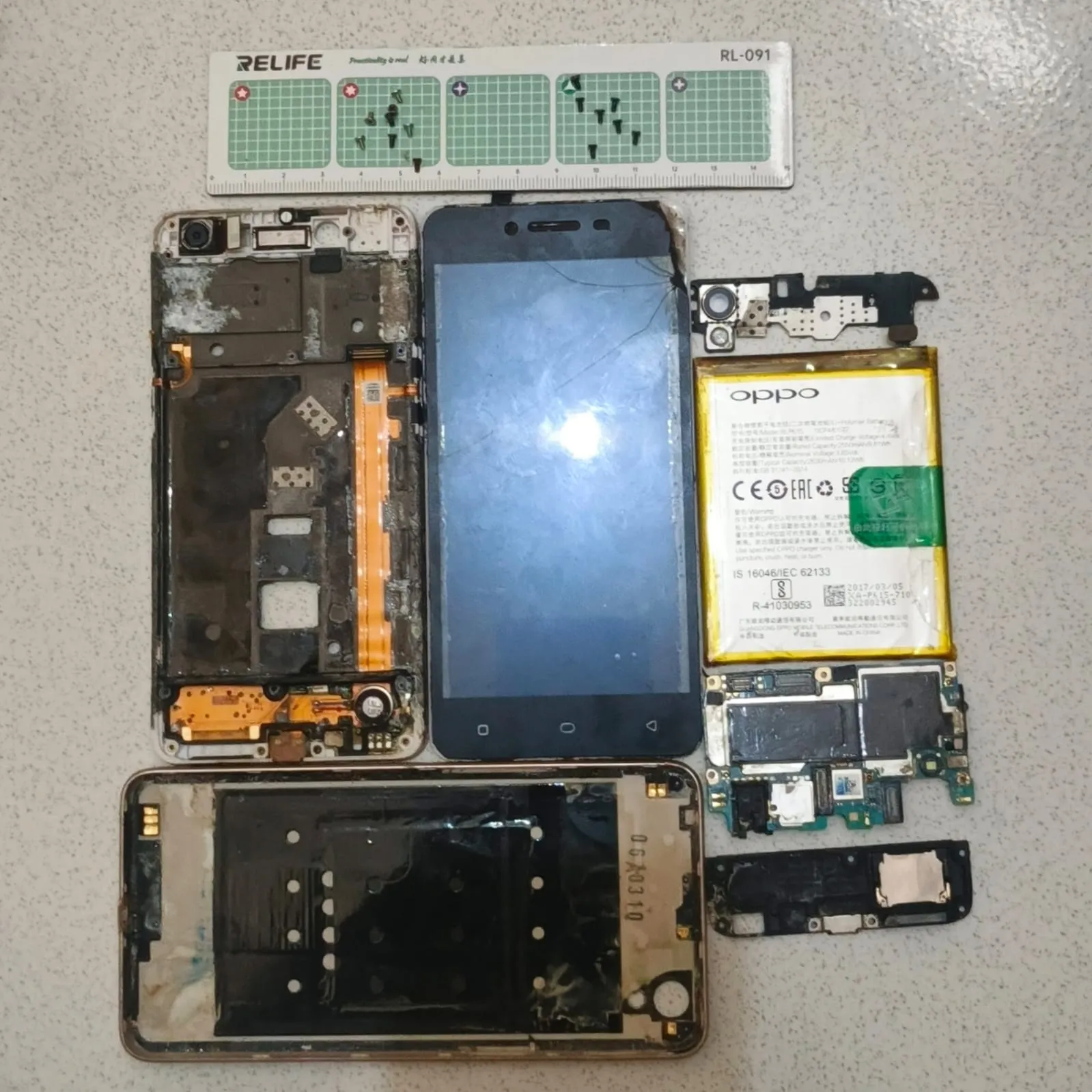
(Component separation process)
Current isolation state:
- Motherboard PCB
- Display Assembly (LCD)
- Main Frame
Power Diagnostics
To validate the power delivery hypothesis, I probed the battery terminals using a digital multimeter.
Result: 0.00V output. The Li-ion cell is completely depleted and incapable of holding a surface charge.
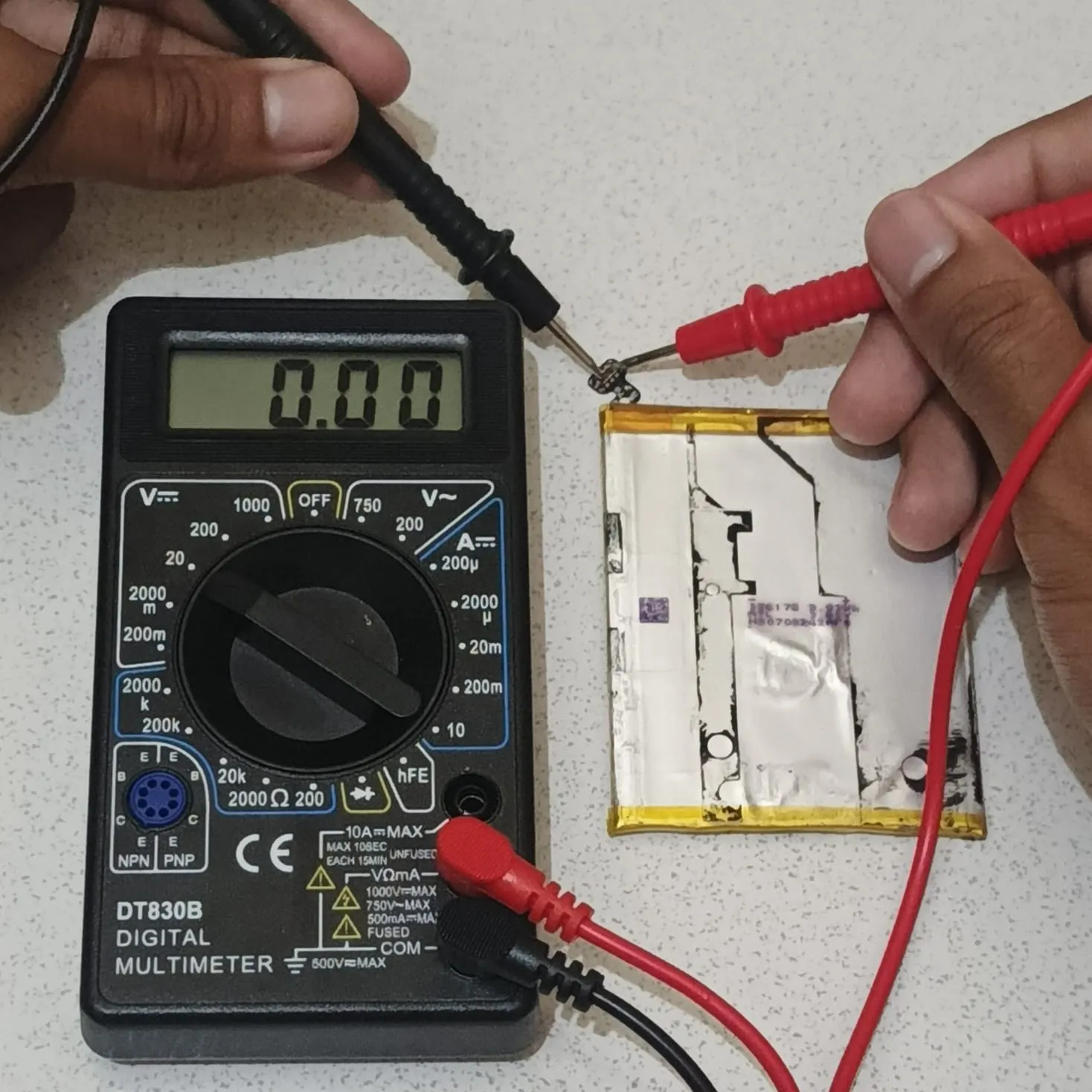
(Probing the battery voltage)
Battery Replacement
The new battery finally arrived. Before installing it, I probed the new cell with the multimeter to verify its initial charge state.
Result: 4.06V. The battery has a healthy charge.
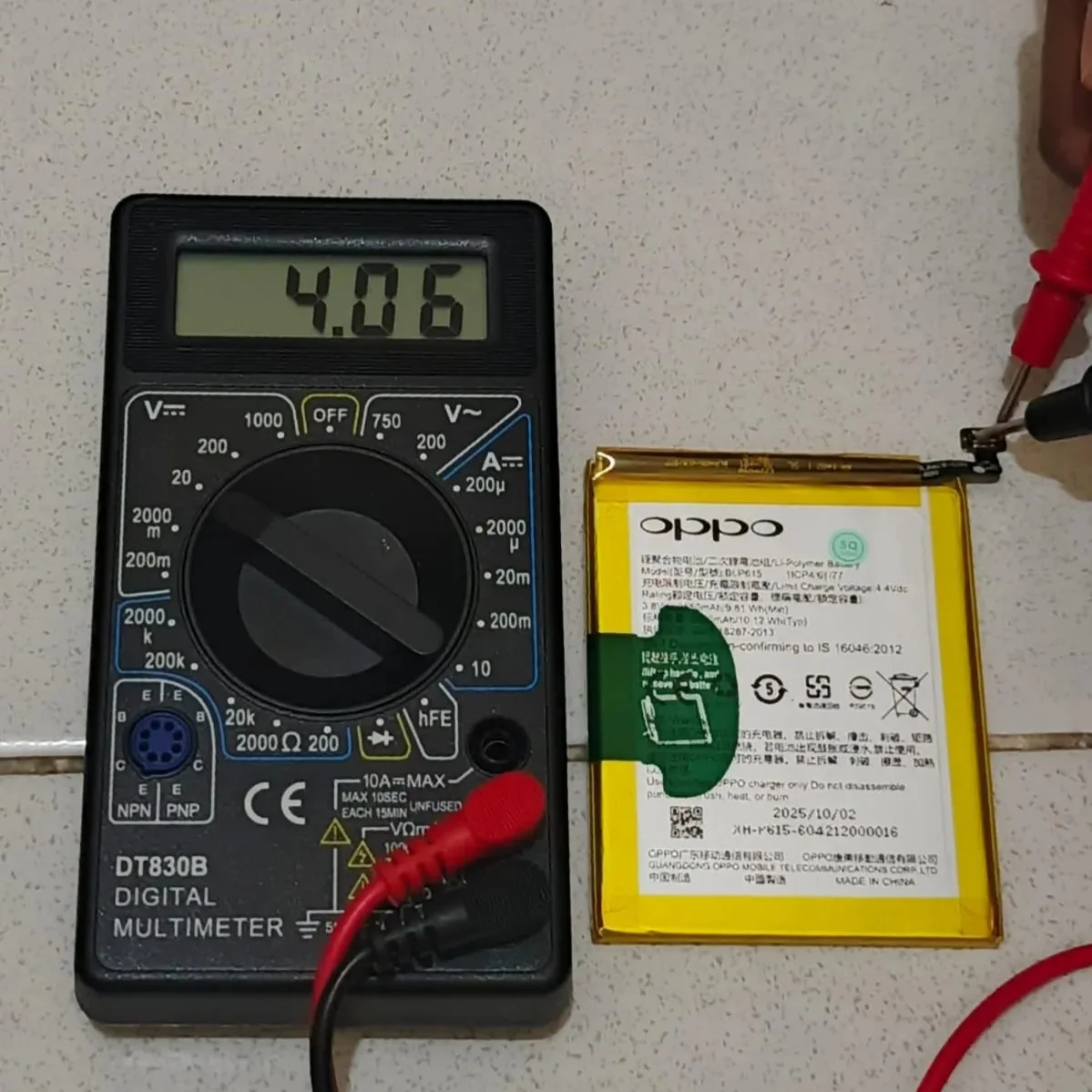
(Measuring the new battery)
I connected the new battery to the motherboard and ran a quick power delivery test using a USB doctor to monitor the charging current.
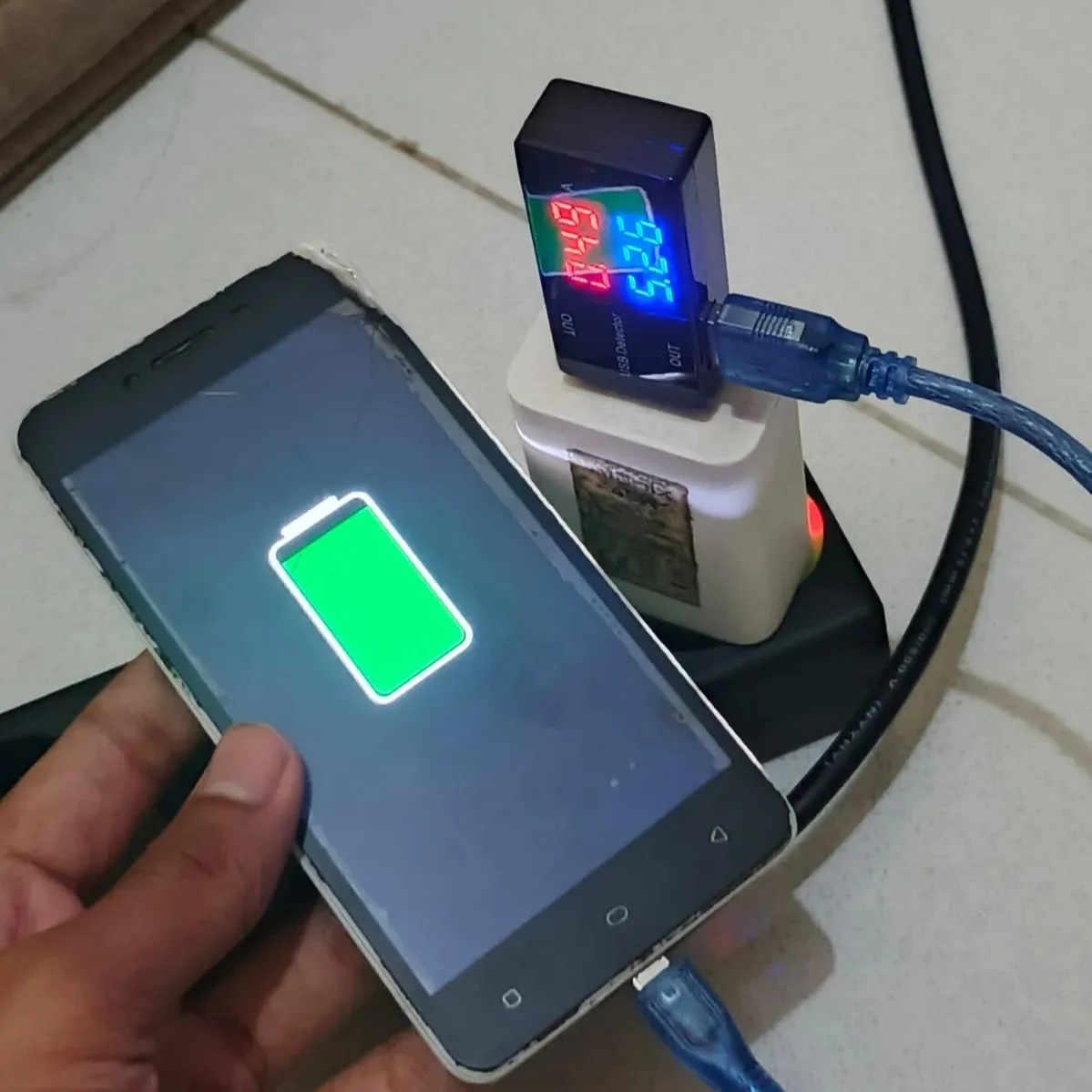
(Checking power draw with USB doctor)
The USB doctor showed 5.26V and a steady 0.49A draw. For an older device like this, the 0.49A pull confirms the motherboard’s charging IC is healthy and actively drawing power.
Booting the phone required a small workaround. The internal power switch on the board was completely unresponsive. To bypass this, I forced a boot by plugging in the charger while holding down the internal volume down switch. The LCD lit up successfully and the OS loaded without issues.
Reassembly and Final Test
I placed the motherboard and the new battery into the main frame, securing all connectors. Finally, I attached the back casing.
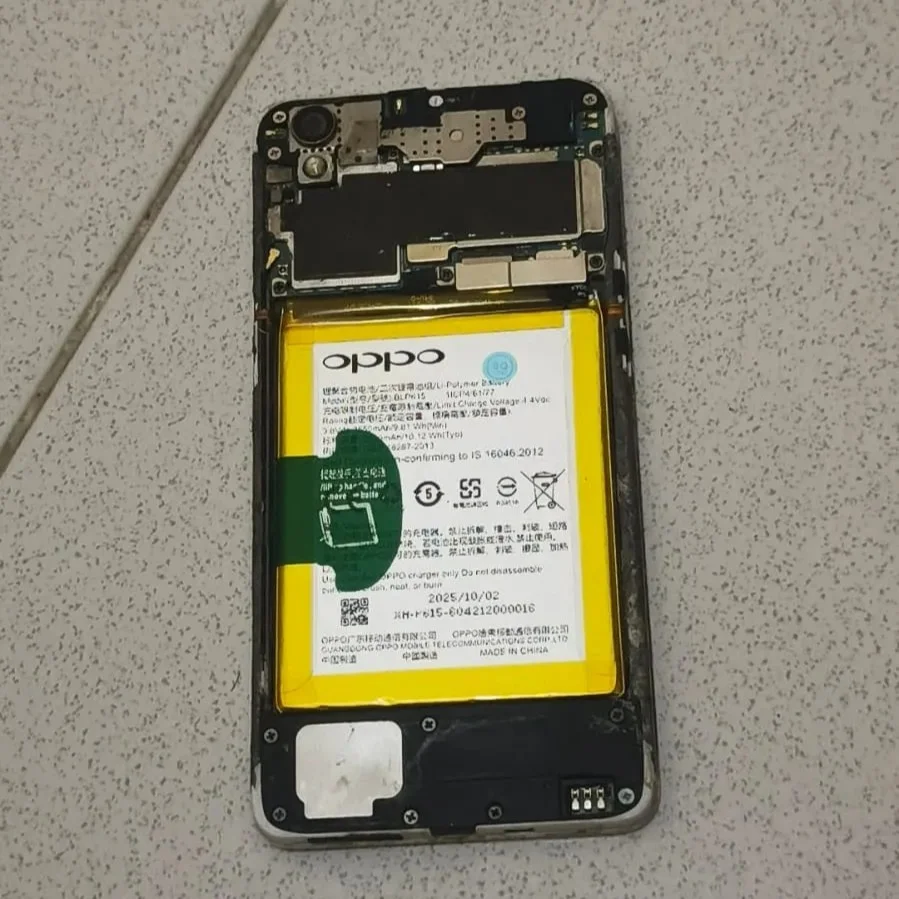
(Reassembling the motherboard and casing)
The phone powered on perfectly and booted into the OS. The repair was a success. The prior servicing didn’t cause any permanent board damage after all.
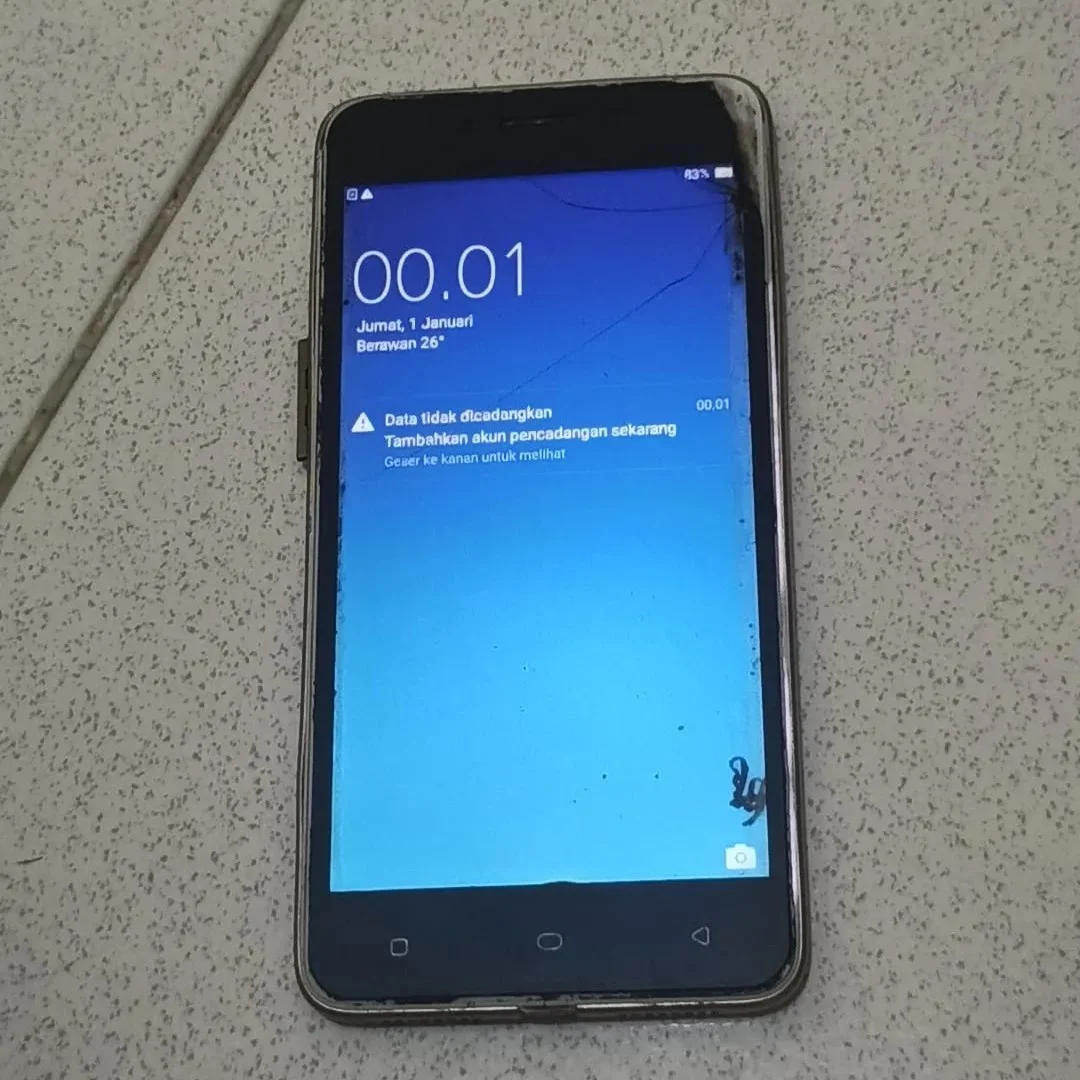
(Boot successful)
Conclusion and Part 2
Getting the phone to boot was only the first step. While the main board works, the physical condition is still poor due to previous repair attempts.
In Part 2, I will focus on a full cosmetic and functional restoration. The plan includes:
- Replacing the frame and back door: The current housing is covered in messy glue residue left behind by the previous repairman.
- Replacing the LCD assembly: The screen has visible glue damage and the bottom 20 percent of the display is completely unresponsive to touch.
- Installing new physical buttons: The original power and volume buttons were lost during the initial teardown process.