Oppo A37 Teardown (Part 2): Full Cosmetic and Functional Restoration
Recap from Part 1
In the previous part, we successfully diagnosed and revived the dead motherboard by replacing the battery. However, the physical condition of the phone was terrible. The screen was heavily damaged by old glue, the bottom touch area was dead, the frame was messy, and the physical buttons were lost during teardown.
Now that we know the brain of the phone is alive, it’s time to give it a completely new body.
Moving to a New Frame
The first step was to completely strip the old phone down to the bare motherboard. I carefully removed the mainboard, cameras, and the vibrating motor from the old, glue-ruined frame.
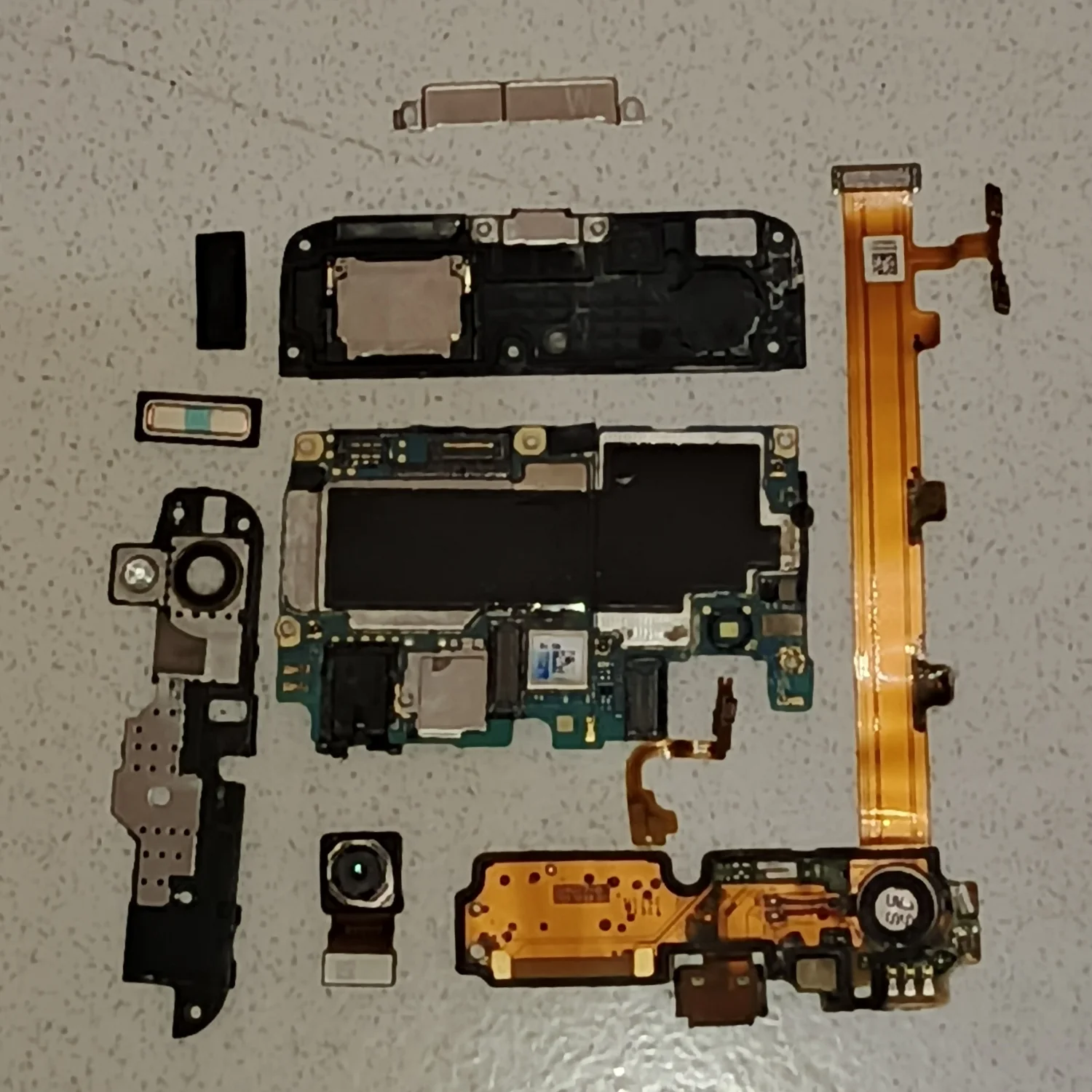
(Extracting the surviving components from the old frame)
With the old frame out of the way, I laid out all the new spare parts I had ordered. Since I was basically rebuilding the phone from scratch, I decided to have a little fun and do a complete color swap. I ditched the original Gold aesthetic and bought everything in stealthy Black: a pristine new black frame, a fresh black LCD assembly, replacement buttons, and a new black back cover.
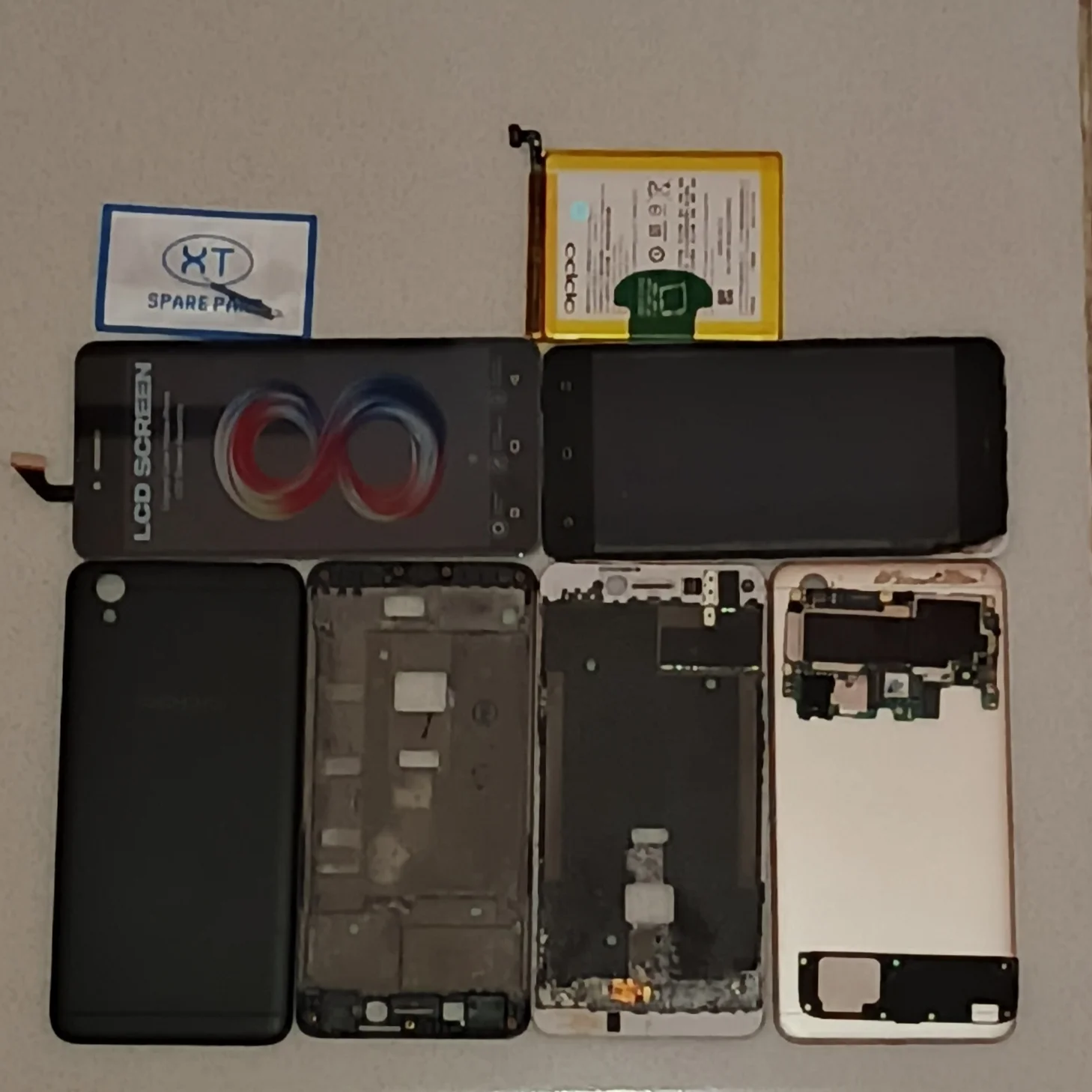
(The new frame, back cover, and LCD ready for assembly)
Screen Installation and Glueing
Installing the screen requires precision. Before applying the adhesive, I did a dry fit and prepped the new LCD to ensure everything aligned perfectly with the new frame.
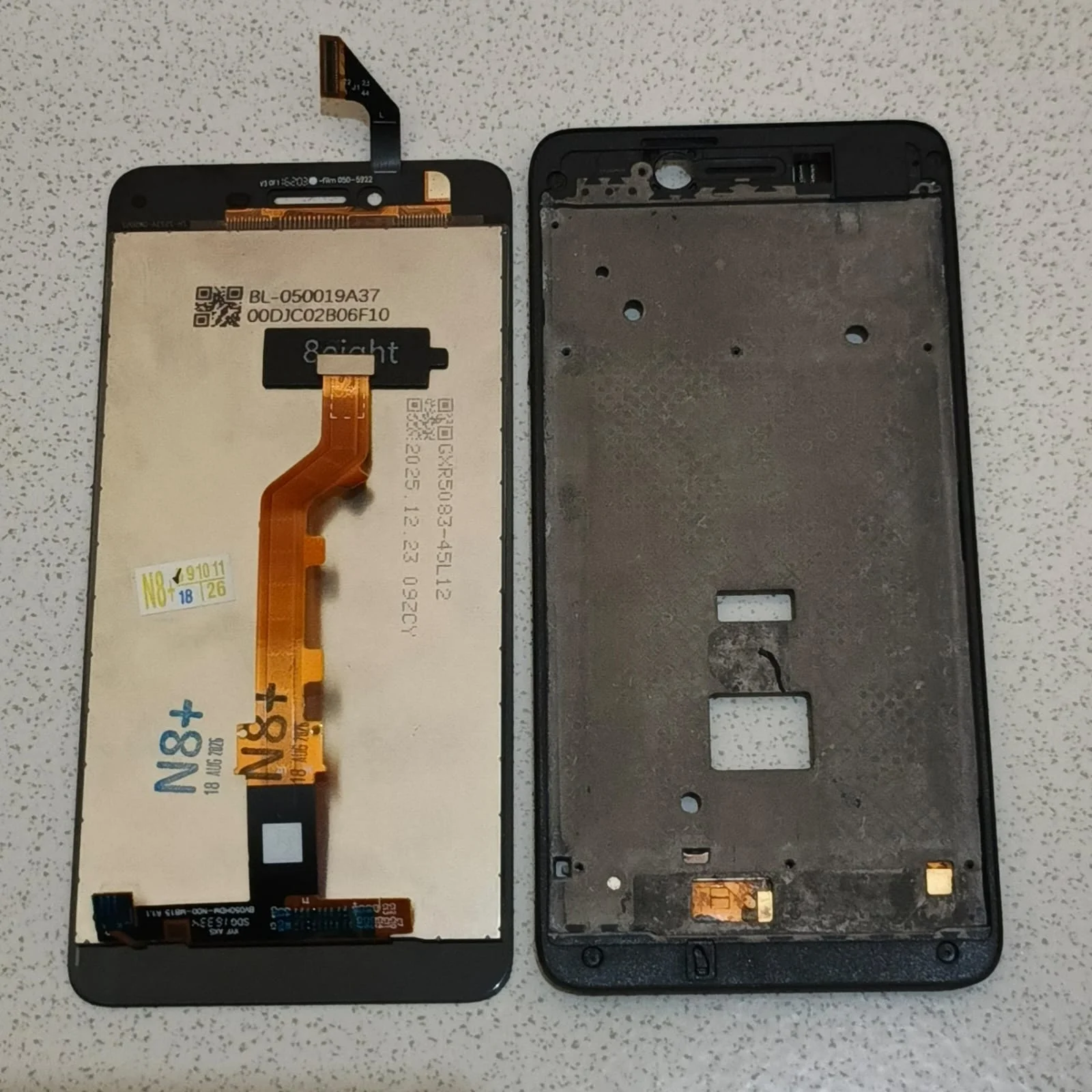
(Preparing the new LCD screen)
Once the adhesive was applied to the edges of the frame, I carefully routed the display flex cable and seated the LCD. I then installed the motherboard into the frame and connected the display cable to test the fit.
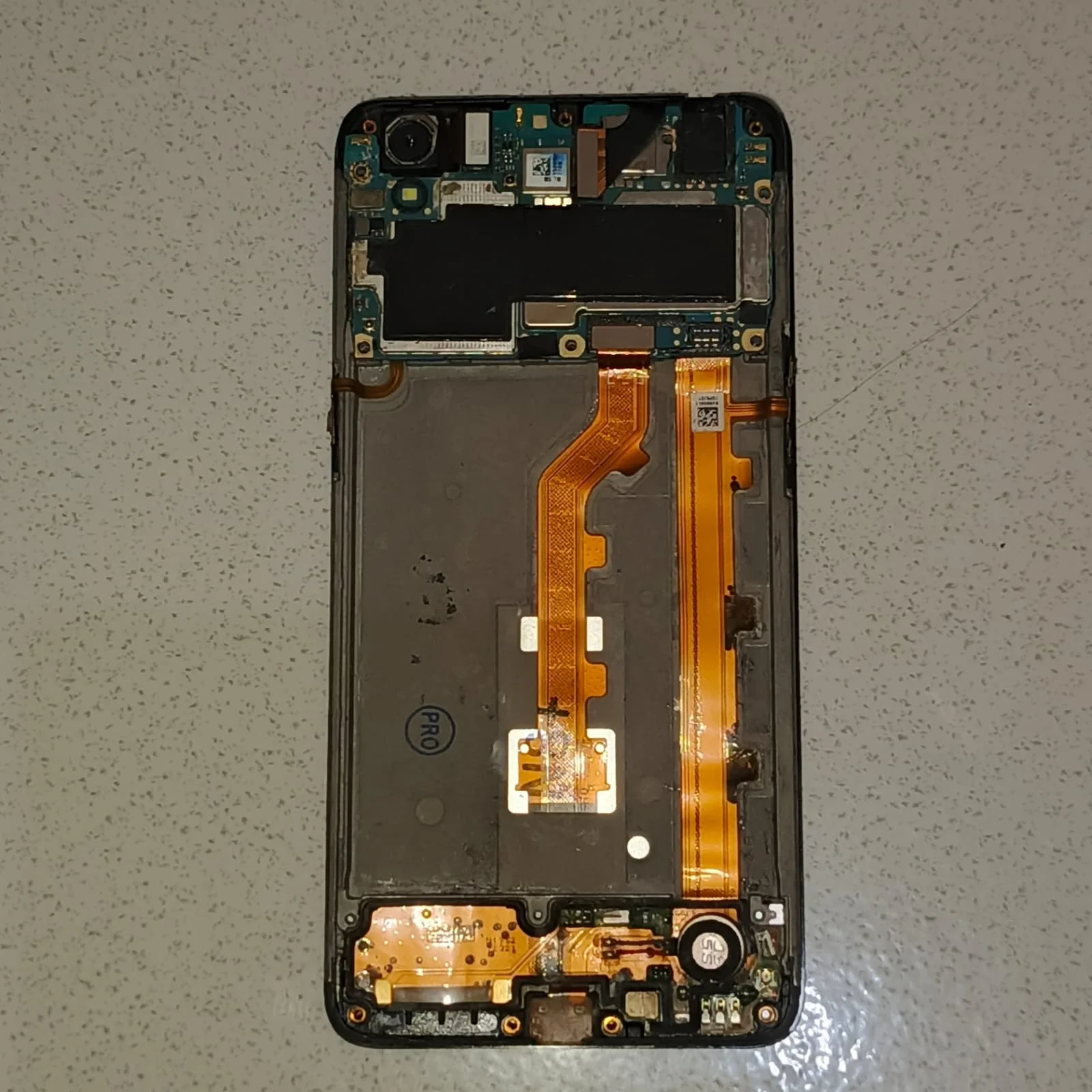
(Mounting the motherboard and connecting the LCD)
To ensure the LCD adhesive cured properly without any gaps, I used the classic repair technique: wrapping rubber bands around the device. This applies even pressure across the entire screen while the glue sets.
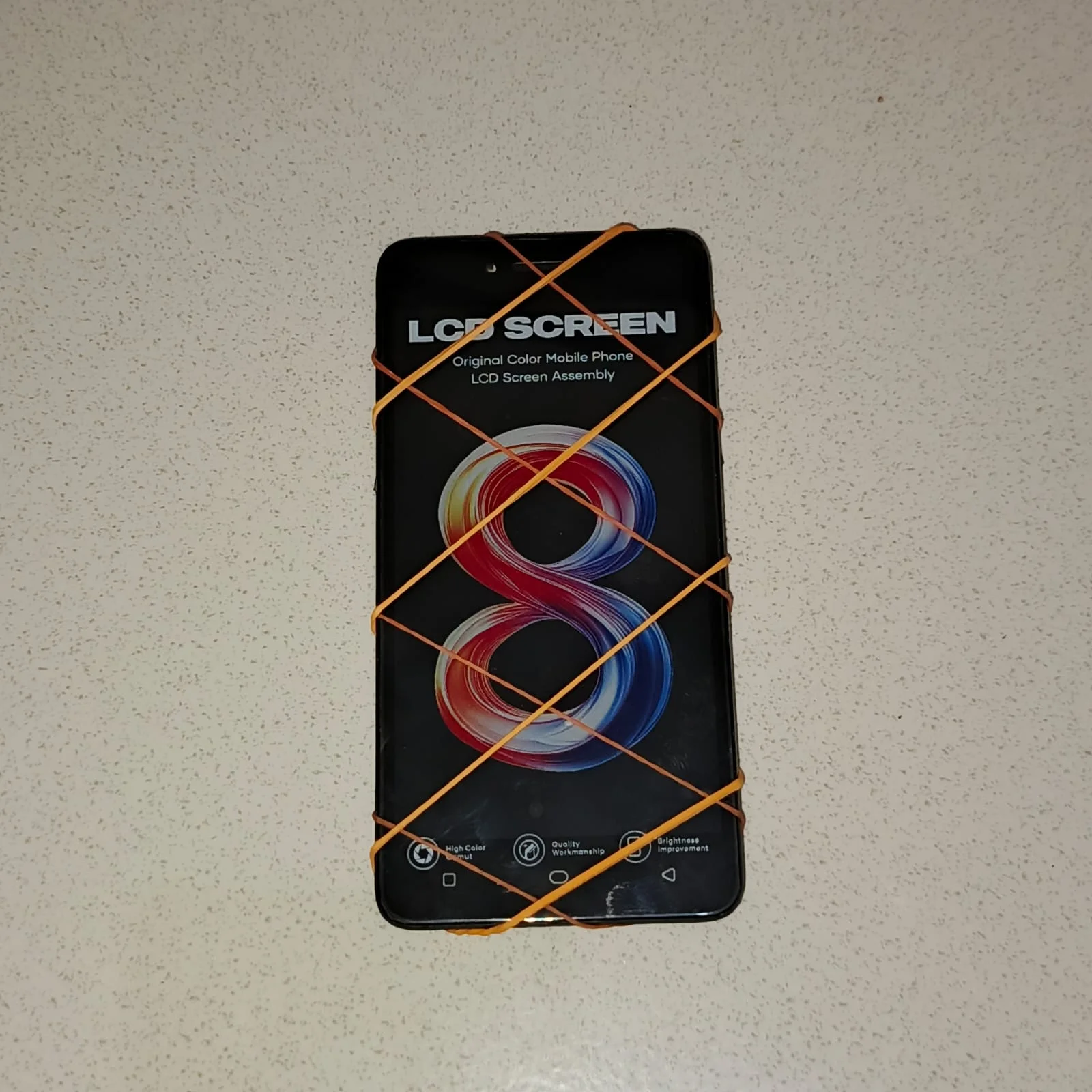
(Applying pressure with rubber bands while the glue cures)
Final Assembly
After the glue dried and the screen was firmly in place, I removed the rubber bands and proceeded with the final internal assembly. I installed the new battery we tested in Part 1 and screwed down all the protective metal shields over the connectors.
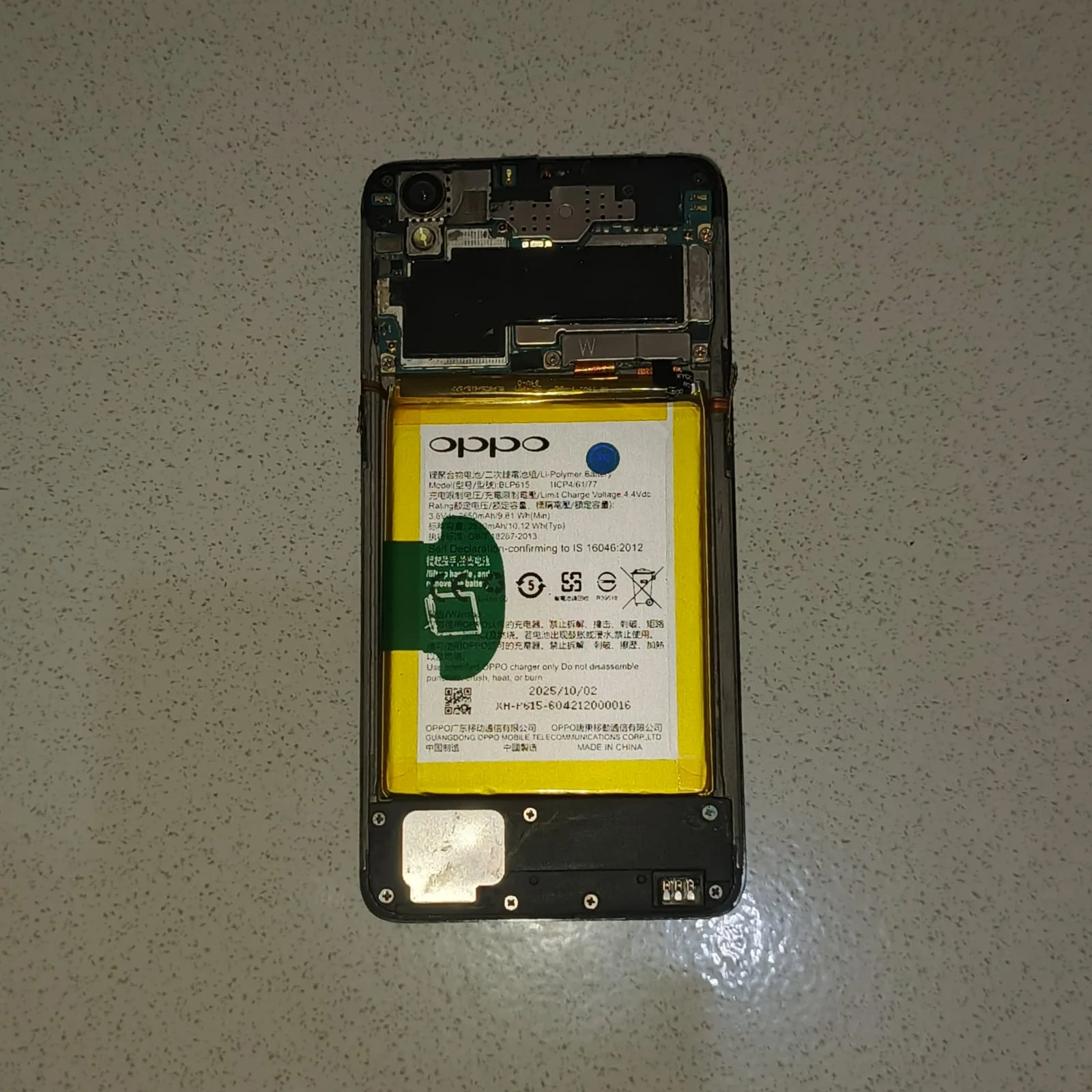
(Securing the battery and motherboard shields)
Finally, I snapped on the new back cover and inserted the SIM tray.
The Result
The transformation is complete. The phone has gone from a dead, glue-covered brick to looking like it just came out of the factory box. The new screen is vibrant, the touch responds perfectly across the entire display, and the new tactile buttons feel crisp.
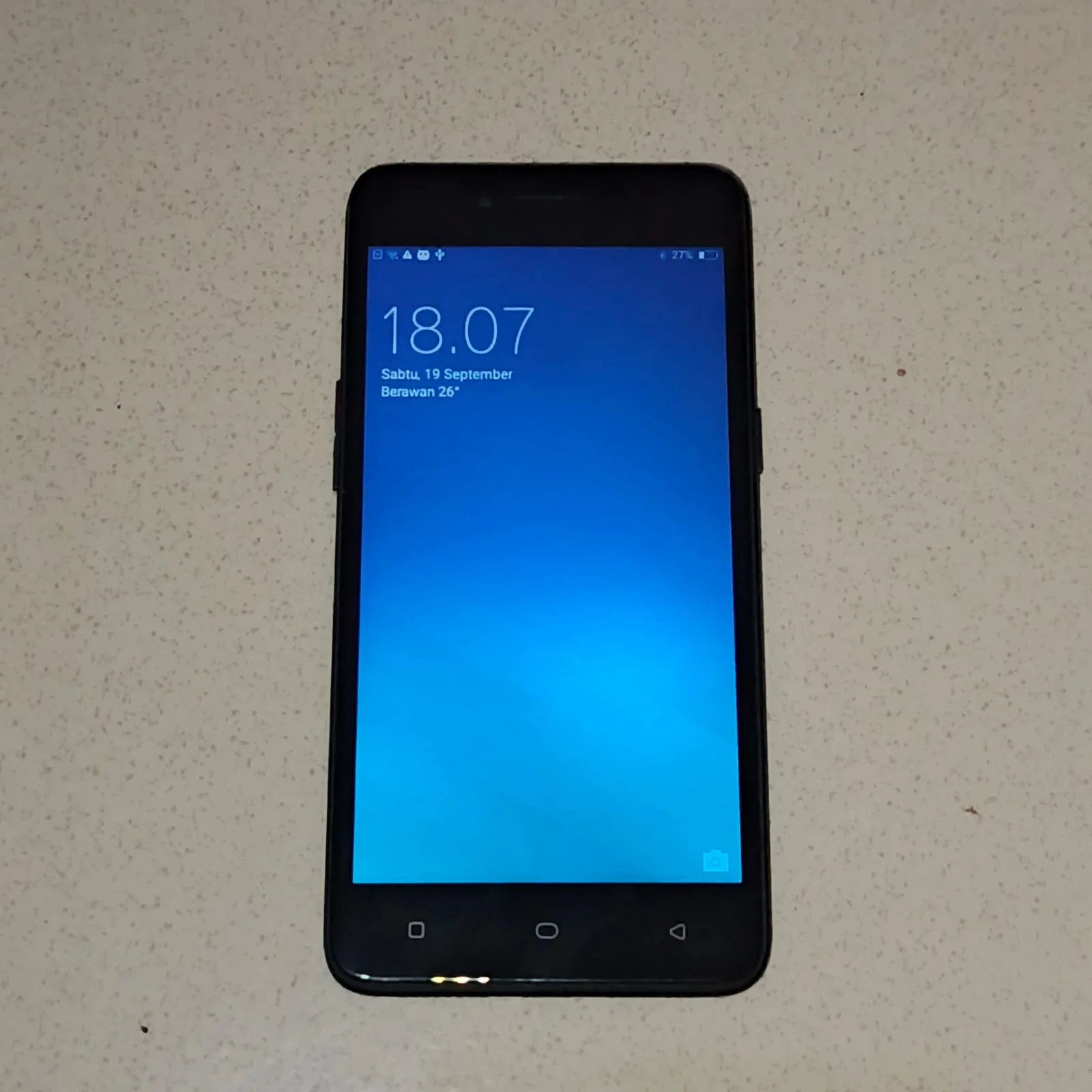
(The fully restored Oppo A37)
This restoration project was a great success. Not only did I get a fully functional smartphone out of a dead device, but doing it myself saved me a lot of money. If I had brought this to a local repair shop for a full body and screen replacement, the labor and markup would have cost more than the phone itself. Instead, I only paid for the raw parts. The hands-on experience of rebuilding a smartphone piece by piece also leveled up my hardware repair skills and understanding of mobile electronics.
Next Up: Software
Now that the Oppo A37 is physically perfect and running again, there’s only one problem left: the aging software. The stock ColorOS is heavy, filled with bloatware, and makes the Snapdragon 410 processor struggle with basic tasks.
In Part 3, we will work on the software. The plan is to completely overhaul the operating system by:
- Unlocking the Bootloader: Bypassing Oppo’s strict security locks using EDL mode (Qualcomm HS-USB QDLoader 9008).
- Flashing a Custom Recovery: Installing TWRP to handle system modifications.
- Installing a Custom ROM: Flashing a clean, lightweight ROM (like LineageOS) to eliminate bloatware and make this old hardware feel fast and snappy again.
The physical hardware is ready. Now it’s time to make the software wush-wush.